Introduction
Sprouty Dialogs is a low-code and intuitive dialogue system plugin for Godot 4.5+ to creating branching conversations and sequences in your games incredibly easy!
The plugin has a graph-based visual dialogue editor, allowing you to design complex dialogue trees. Also, manage characters and portraits in a dedicated character editor, and much more without leaving the Godot editor.
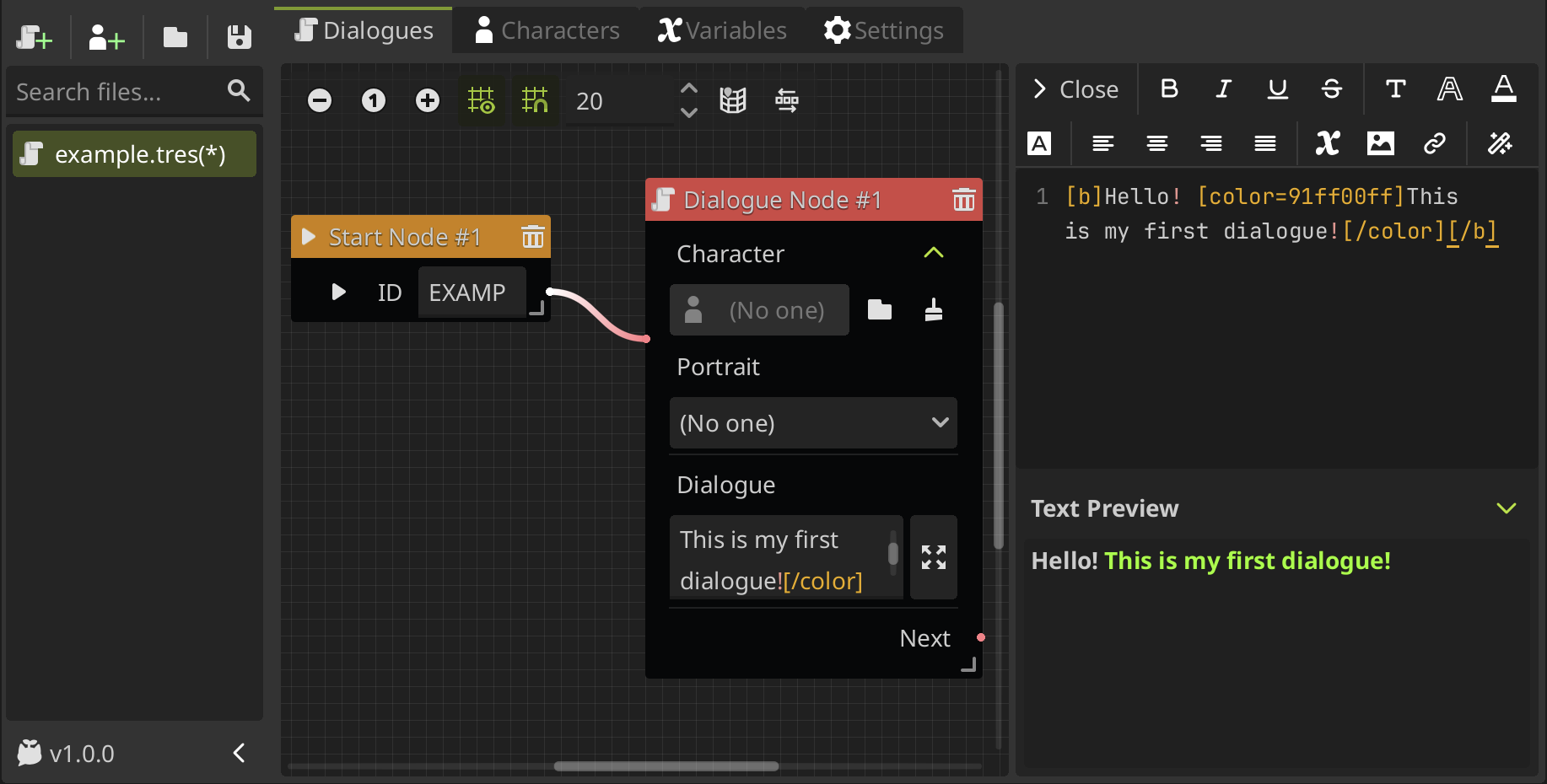
Sprouty Dialogs is based in Dialogic and Dialogue Nodes plugins, combining the powerful features of Dialogic such as the character editor, but with a graph-based visual interface like Dialogue Nodes.
Let's take a look at the core features of Sprouty Dialogs!
Core features
🎨 Visual dialogue editor
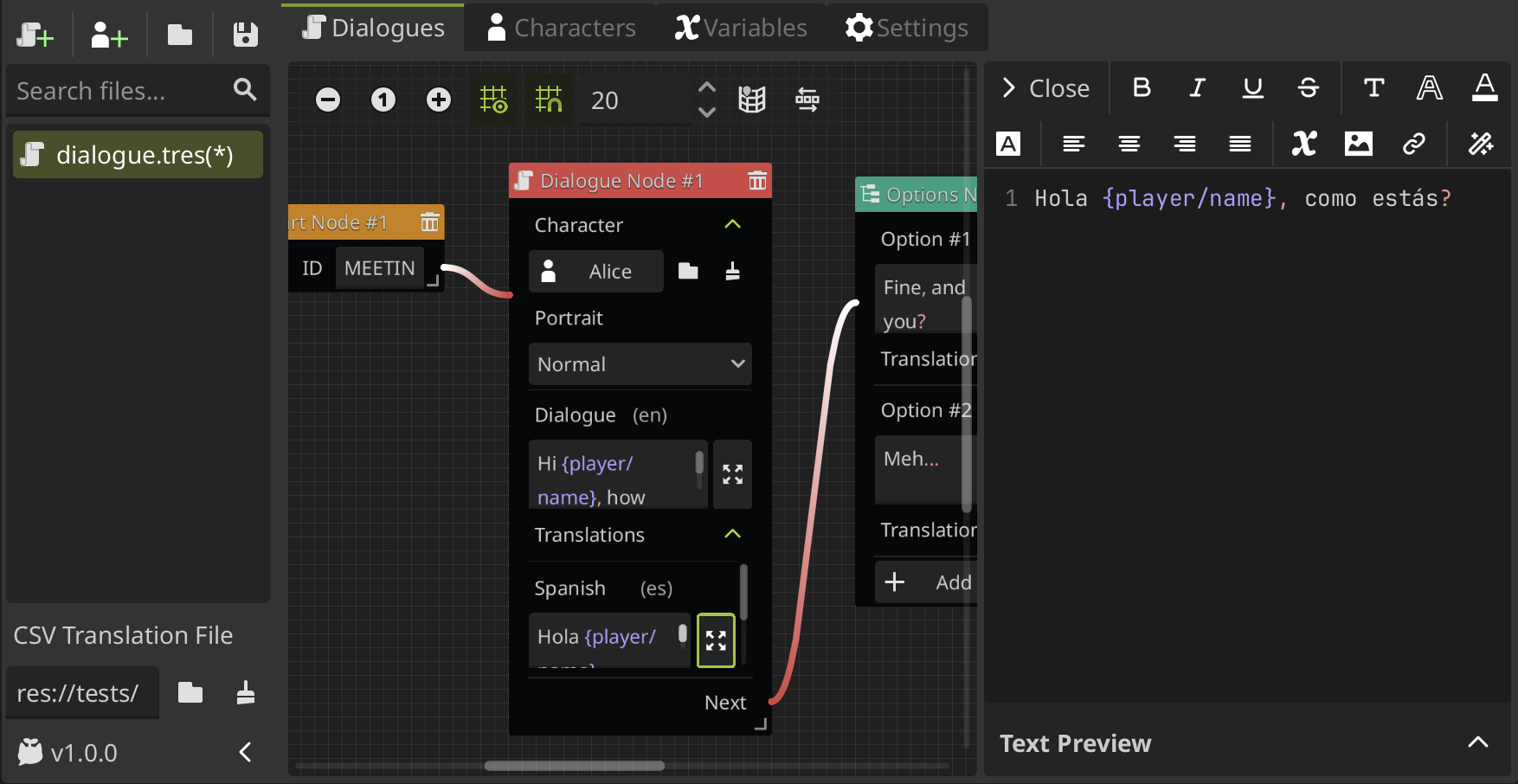
Design your dialogues visually using an intuitive graph-based node system. Create dialogue trees by connecting event nodes that represent different dialogue actions and events. The editor provides:
- Graph-based interface for easy node placement and connection
- Text editor to write and format dialogue text easily with BBCode support
- Event nodes for dialogue progression, variable manipulation, branching, and more
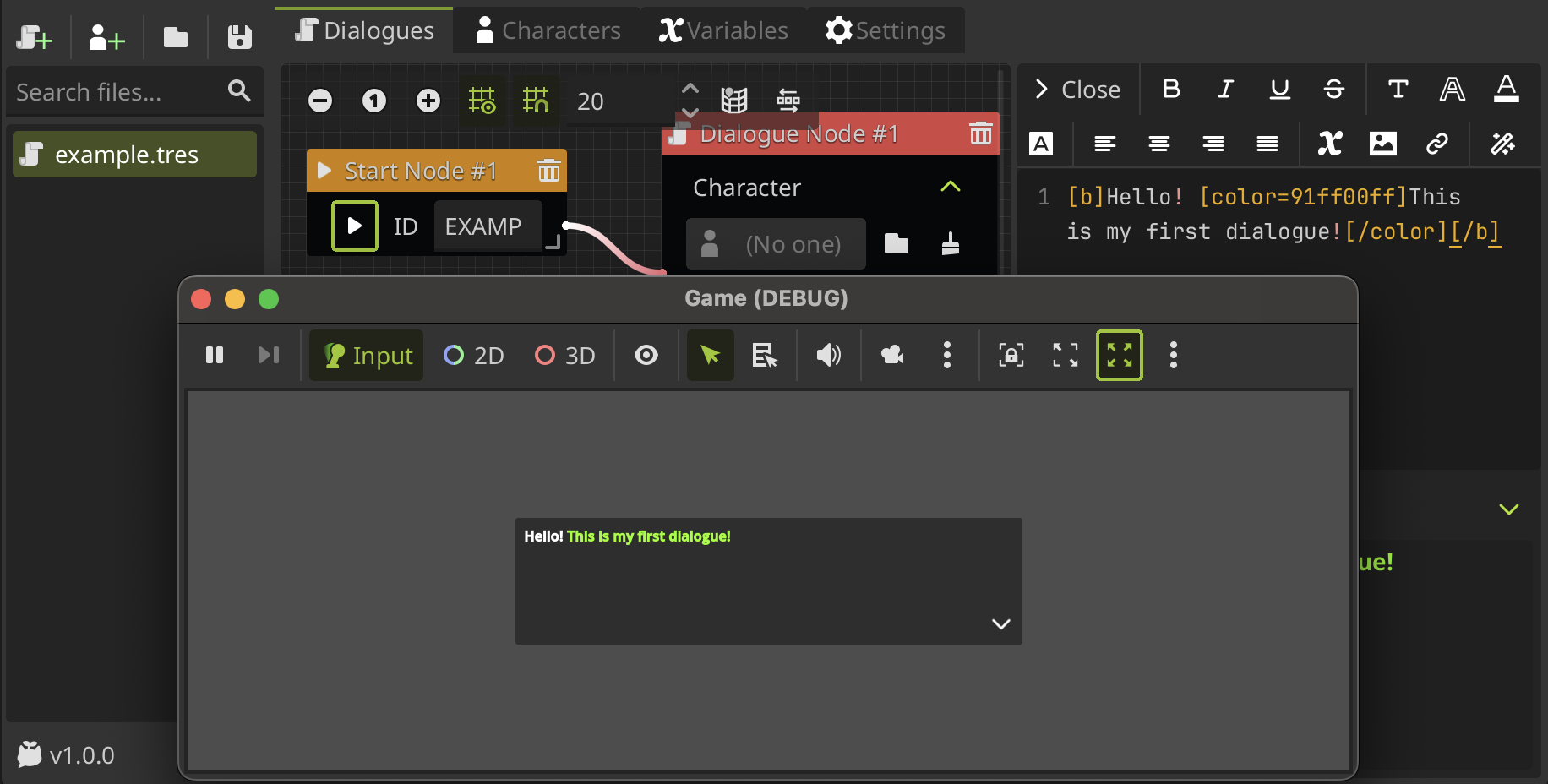
- Real-time preview with a built-in play button to test your dialogues instantly
👥 Character management
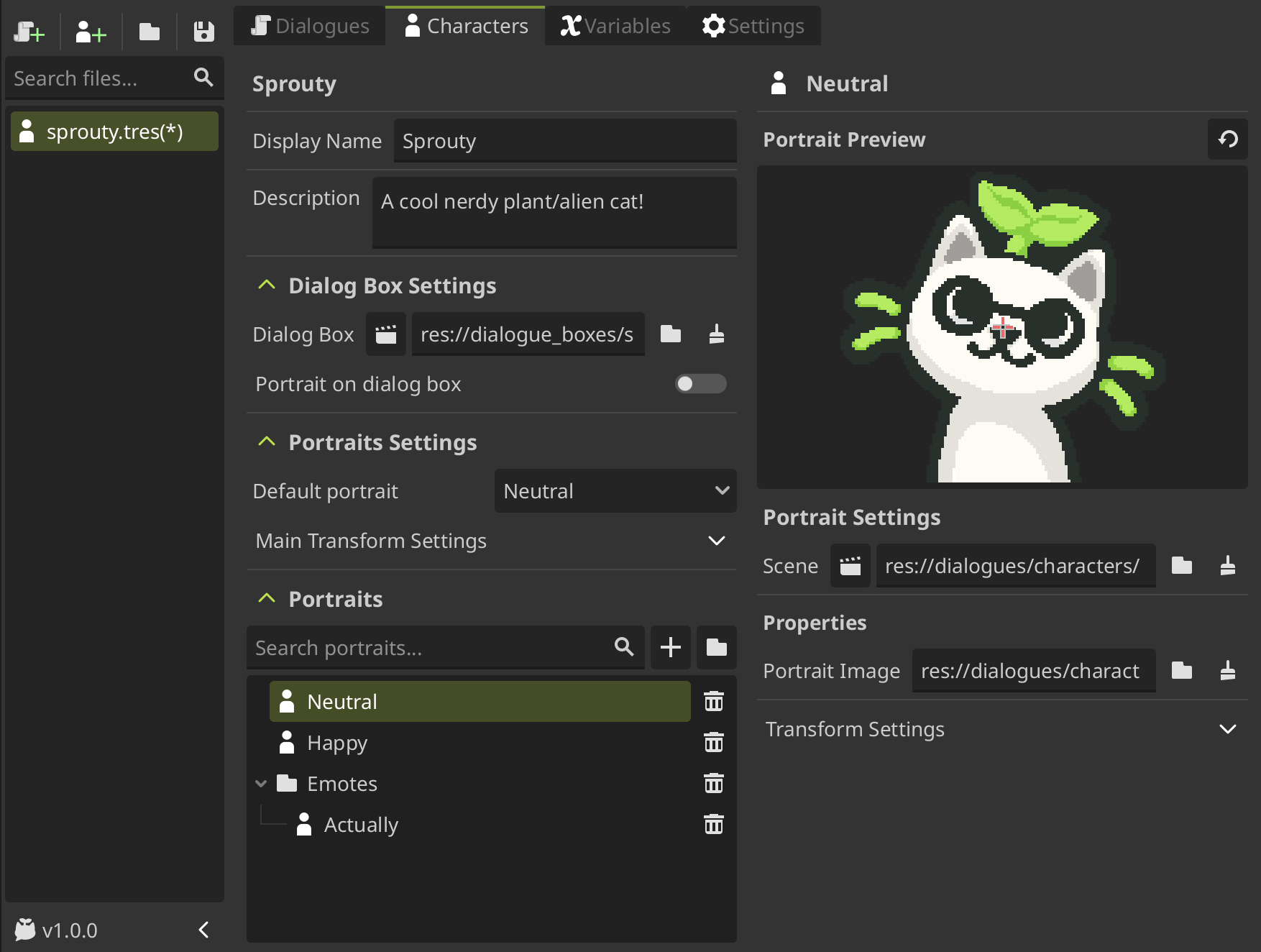
Create and manage characters for your dialogues with a dedicated character editor:
- Character profiles with display names, descriptions, and identifiers
- Custom dialog boxes per character to match your game's visual style
- Portrait system with multiple portrait states per character
- Easy use of characters and portraits in your dialogues
🔀 Variables system
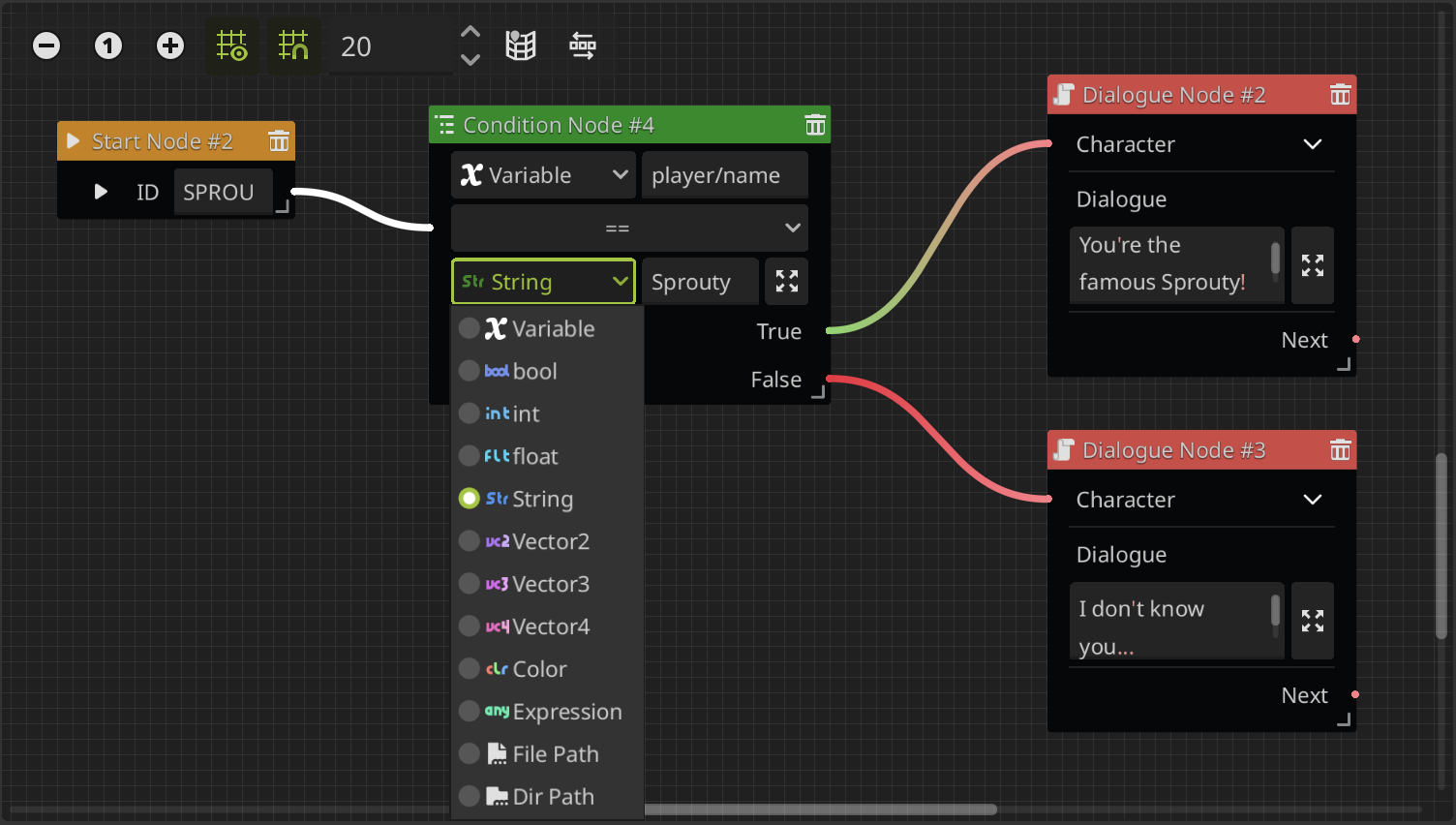
Manage game state and create complex dialogue logic with an integrated variable system:
- Built-in variable editor for creating variables of different types
- Expressions support for complex conditions and dynamic text
- Integration with Godot autoloads for using global game variables
- Conditional branching based on variable states and comparisons
🌍 Multi-language translation support
Build games for international audiences with built-in translation features:
- Edit translations directly in the editor for dialogues, options, and character names
- CSV export/import for external translation workflows if needed
- Live switching between locales during dialogue editing
- Character name translations for full localization support
🚀 Easy integration
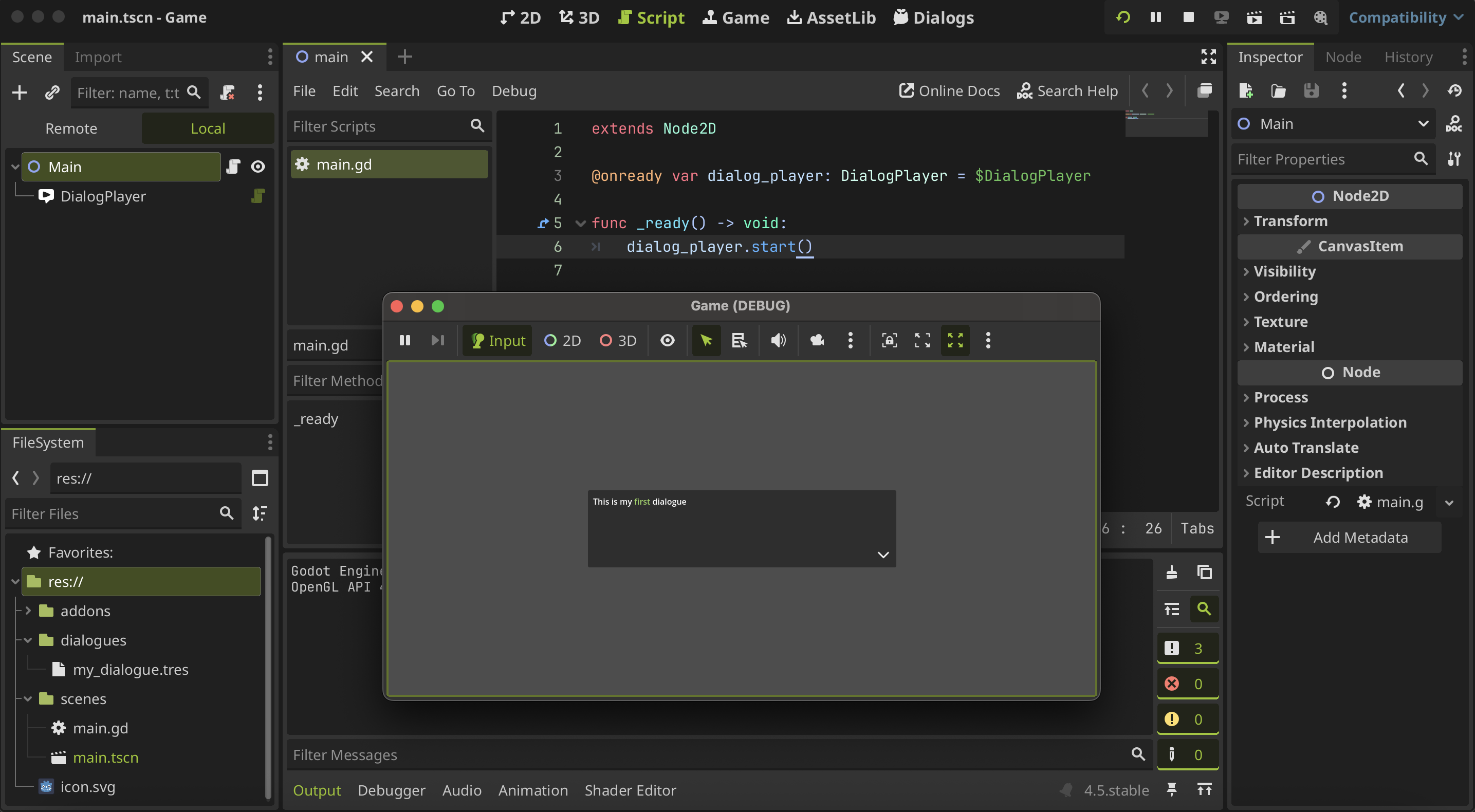
Use dialogues in your game with minimal code:
- DialogPlayer node to handle your dialogues easily in your scenes
- SproutyDialogs autoload to access dialogue functions globally
- Signal system for responding to dialogue events in your game
- Custom event node support to extend the dialogue system with game-specific actions
How to get started
How to start using Sprouty Dialogs? Check out the Getting Started guide to install the plugin and learn how to create and run your first dialogue!